In the page, on any screen
The magic window opens in a normal browser tab on a desktop or a phone. Drag to look, click to open.
Diazoma turns a feed, a catalog, a gallery or an archive into a curved, searchable wall. On your screen today, in your headset when you have one.
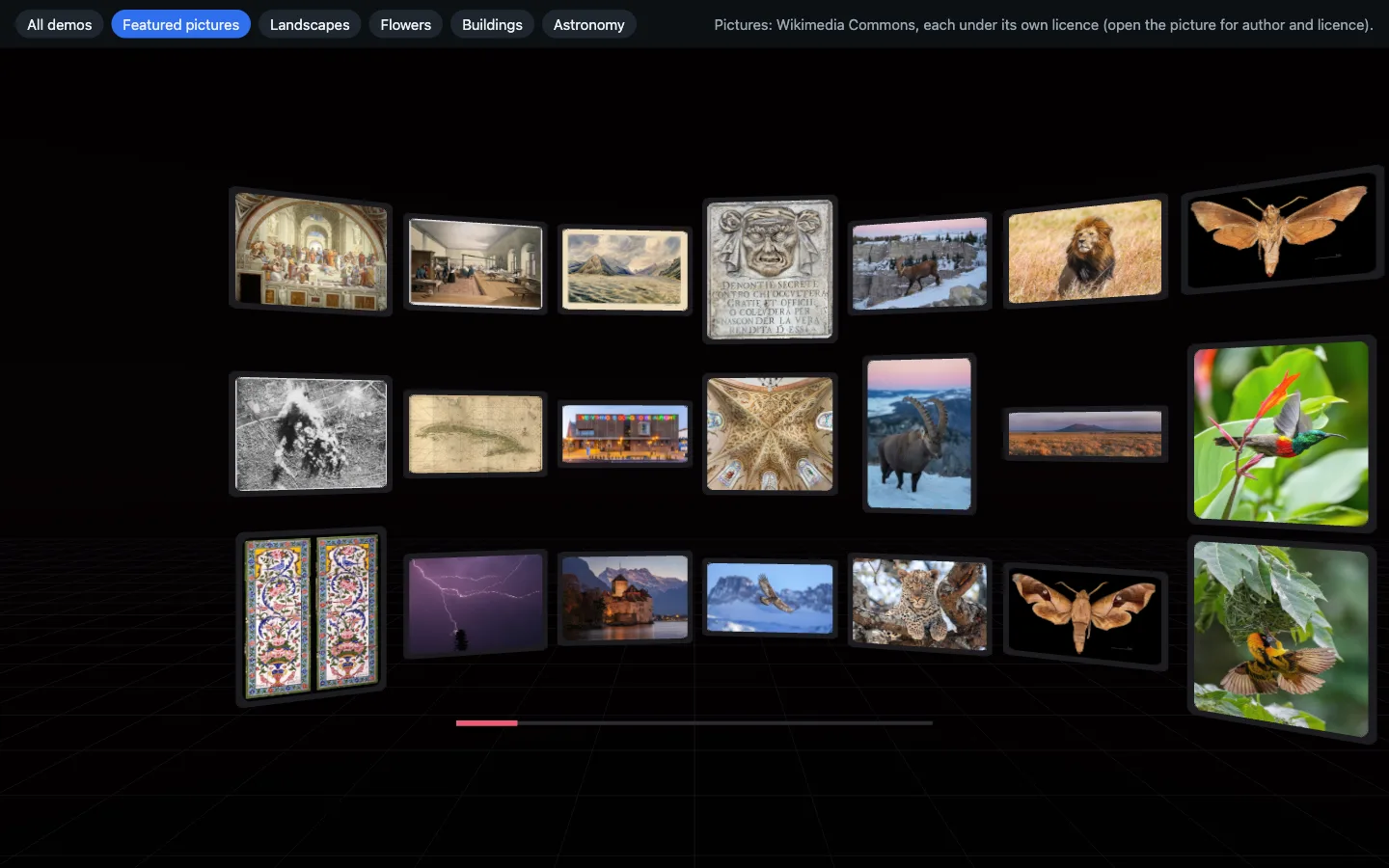
A long list is hard to look at on a flat page. Diazoma puts the items on a curved wall around you, lets you search it, and opens one when you pick it.
The magic window opens in a normal browser tab on a desktop or a phone. Drag to look, click to open.
The same wall around you, with gaze, controller and hand input profiles for the main headsets.
Search, filters, endless paging, and your own like, save or add-to-cart buttons, in your brand colours.
Start with the one that fits who you are. All three give the wall the same items.
Your site publishes a manifest. One tag loads the wall on its own page.
<script src="https://diazoma.app/wall/0.1.0/diazoma-embed.js"
  integrity="sha384-Hh5ADOoamGSEcffcdXeIIen/jYfC5rHsOJB0CofdWRdrJgkAxZsZN8OrF0SoGy6s"
  crossorigin="anonymous"
  data-manifest="/.well-known/wall.json"
data-route="/xr"></script>WordPress and Laravel plugins write the feed and the manifest from your posts, products or models.
// config/diazoma.php (Laravel)
'feeds' => [
  'latest' => [
    'class' => ListingFeed::class,
    'title' => 'Latest',
    'search' => true,
  ],
],For a site that publishes nothing, a small JSON file says where its items are. No code in a recipe.
{ "id": "example.com", "version": 1,
  "match": ["https://example.com/*"],
"list": { "item": ".card", "fields": { … } } }The wall is one package. The surfaces only differ in who loads it and where the items come from.
A site adds the wall to its own pages. A script tag, or a WordPress or Laravel plugin.
Chrome and Edge. Opens a wall on sites that do not embed it, using recipes.
A headset browser for Meta Quest with the same recipes as the extension. Version 0.1.3 is in Meta's alpha channel. It will be a one-time $4.99 purchase in the Meta Horizon Store once approved.
A signed, checked list of recipes. Browse it at diazoma.app/marketplace.
Homes, cars and classifieds, where browsing is the job.
Furniture, lighting, tiles, art, jewellery. Discovery on the wall, checkout stays on your site.
Digitised collections that deserve more than a page of thumbnails.
Photo desks, magazines and feeds with a lot of pictures.
A site can offer several levels, and a program uses the highest one it finds. Everything beyond the core item fields (id, link, and image with aspect or a title) is optional.
A recipe or a heuristic reads what is there.
data-wall-* attributes on your existing listing. About ten minutes.
A JSON feed and a manifest: cursors, search, filters, actions, brand. About fifteen minutes.
Your own route and analytics, and no injection by extensions.
No. On a desktop or a phone the same wall opens in the page as a magic window: you drag to look around and click to open an item. The headset is the best way to see it, not the only one.
No. The wall runs in the visitor’s browser and reads your pages or your feed from there. Diazoma does not crawl the web and does not store anyone’s pictures.
Yes. Put "policy": "deny" in /.well-known/wall.json and a program that follows the spec must not build a wall for your origin.
Level 1 is a set of data-wall-* attributes on your existing listing and takes about ten minutes for a front-end developer. Level 2 is a JSON feed and takes about fifteen minutes for a back-end developer. WordPress and Laravel plugins write the feed and the manifest for you.
Any browser with WebXR immersive-vr can open the wall. The wall has input profiles for several headset families, plus desktop and phone. We have not tested all of them. Diazoma Browser for Meta Quest has been tried on a Quest emulator only, not on a real headset.
The part you put on your site is open. The wall, loader and embed script are Apache-2.0, the spec text is CC-BY-4.0, its schemas and validator are Apache-2.0, the WordPress plugin is GPL-2.0-or-later, the Laravel package is Apache-2.0, and Diazoma Browser is MPL-2.0. The marketplace server, the extension, the web app and the demo are not open source.